

Prerequisites
To follow the steps on this page:- Create a target with the Real-time analytics capability enabled. You need your connection details.
- Set up AWS Transit Gateway.
- Establish connectivity between Azure and AWS. See the AWS architectural documentation for details.
This feature is currently not supported for on Microsoft Azure.
Connect your Microsoft Azure infrastructure to your Tiger Cloud services
To connect to :-
Create a Peering in
-
In
Security>VPC, clickCreate a VPC: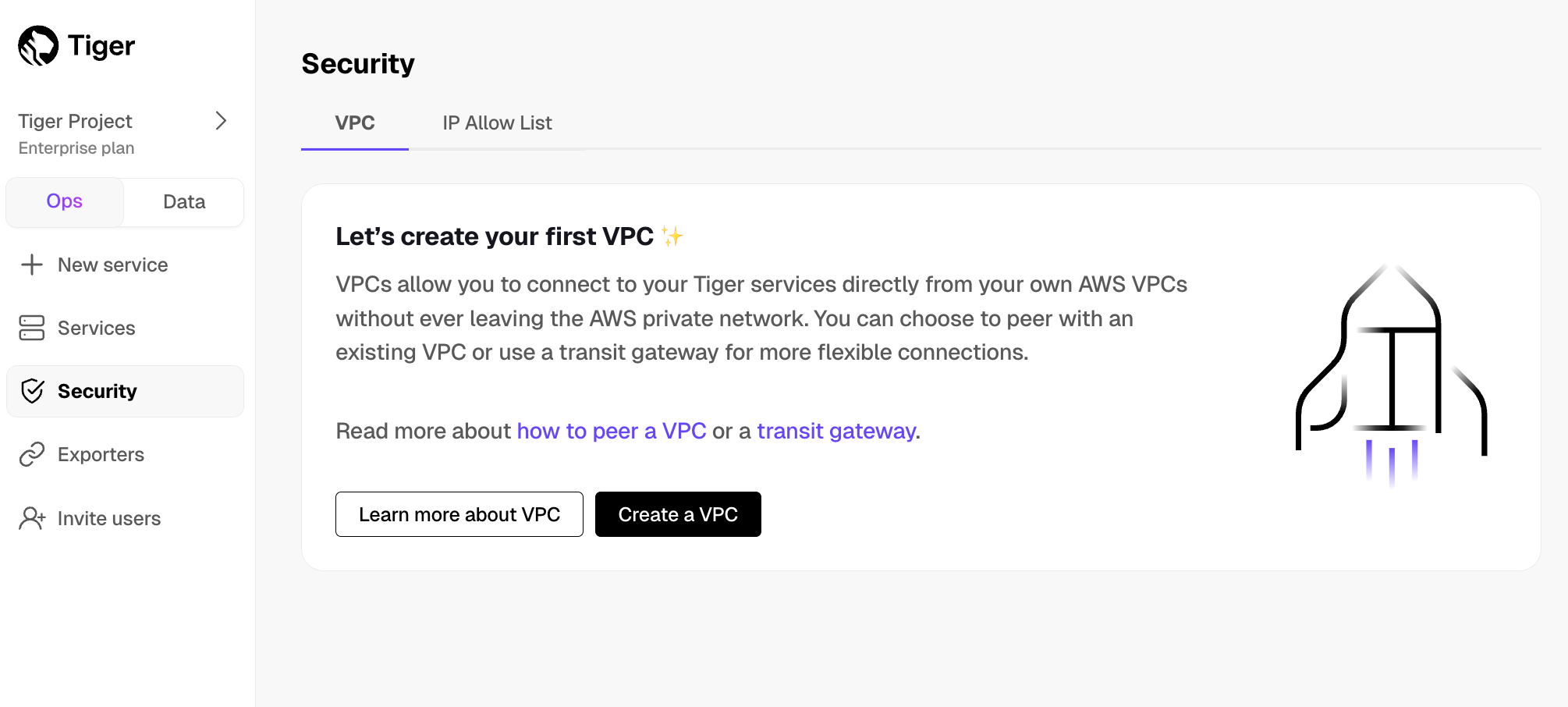
-
Choose your region and IP range, name your VPC, then click
Create VPC: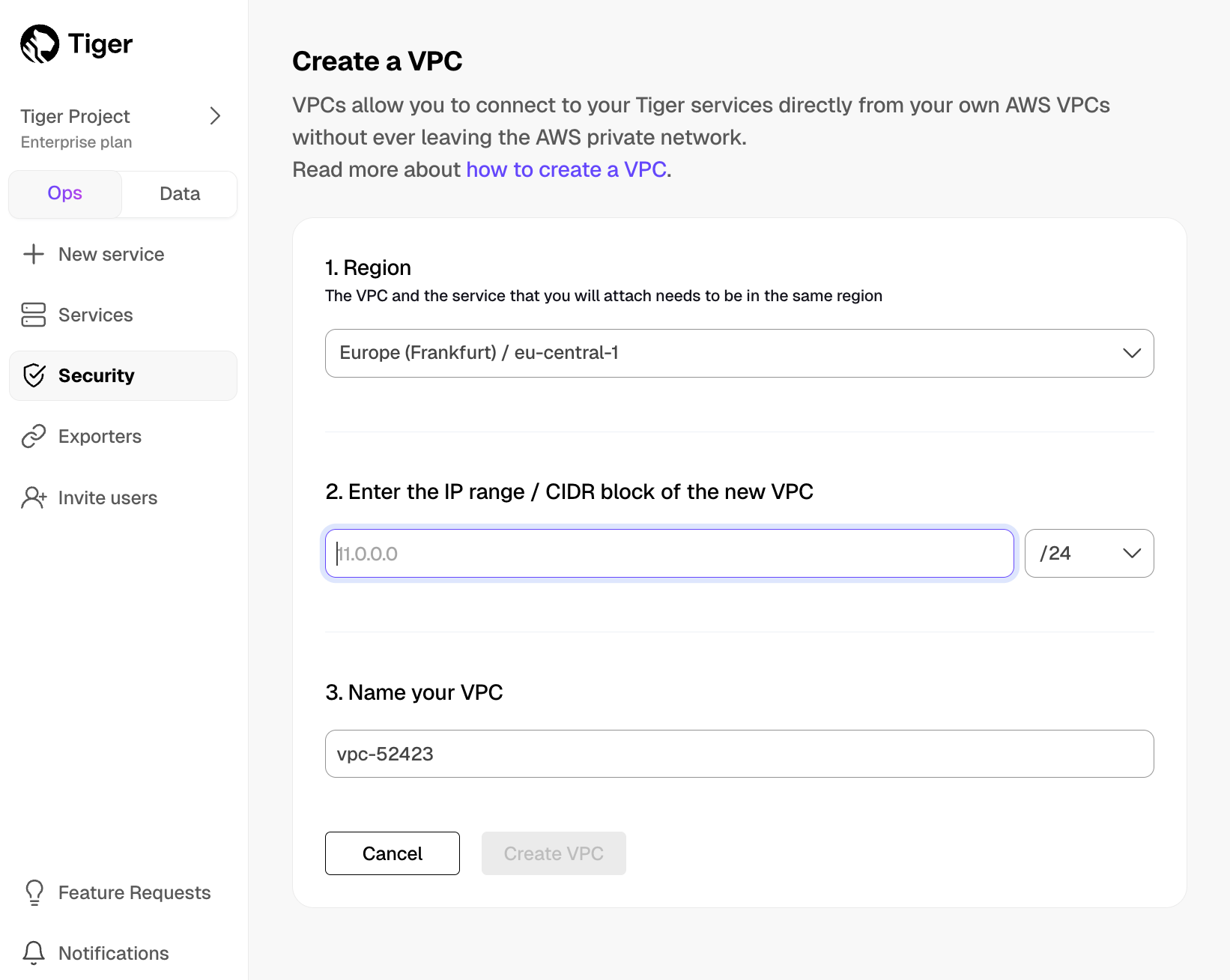 Your and Peering must be in the same AWS region. The number of Peering s you can create in your project depends on your . If you need another Peering , either contact support@tigerdata.com or change your plan in .
-
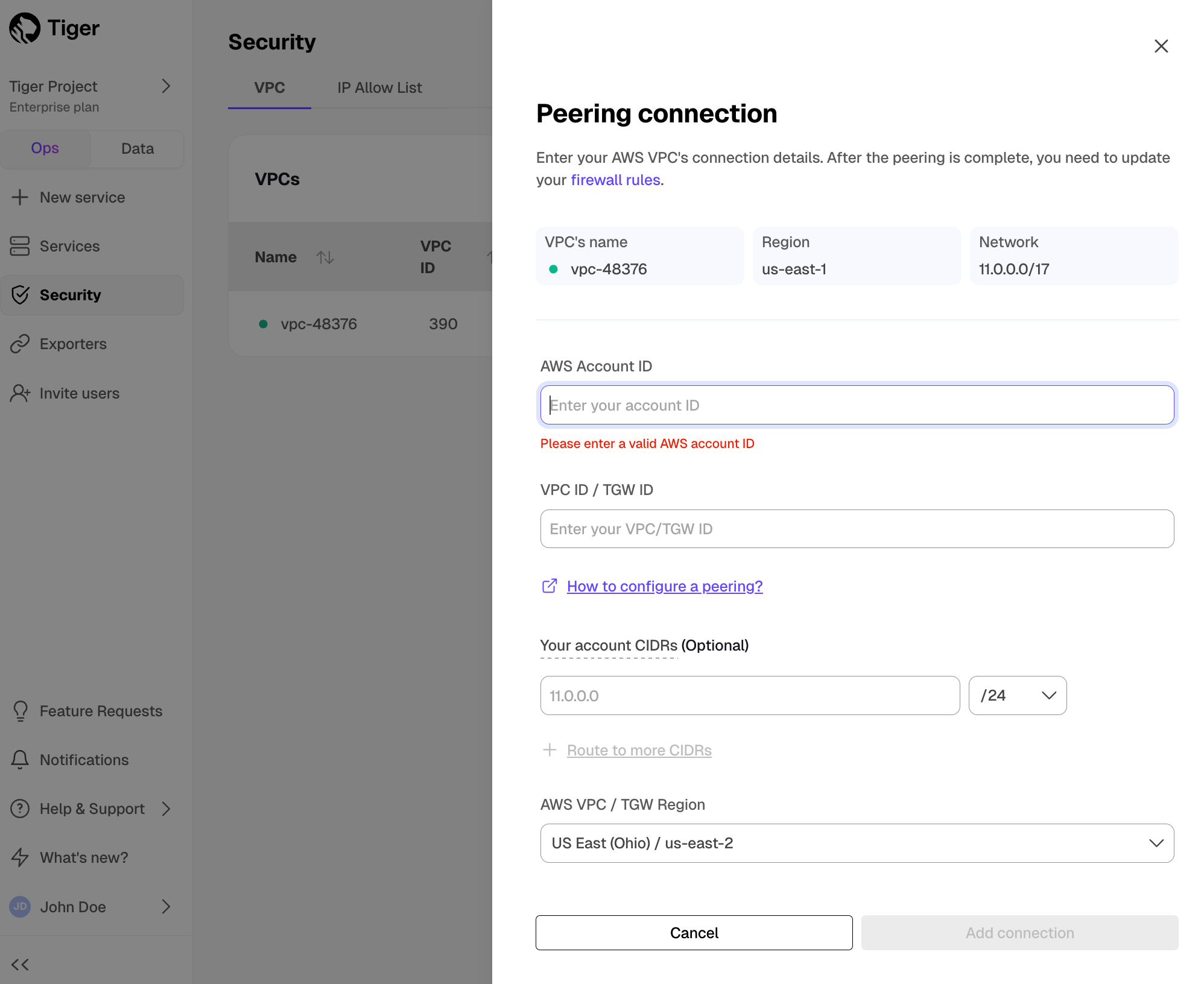
Add a peering connection:
-
In the
VPC Peeringcolumn, clickAdd. -
Provide your AWS account ID, Transit Gateway ID, CIDR ranges, and AWS region. creates a new isolated connection for every unique Transit Gateway ID.
-
Click
Add connection.
-
In the
-
In
-
Accept and configure peering connection in your AWS account
Once your peering connection appears as
Processing, you can accept and configure it in AWS:-
Accept the peering request coming from . The request can take up to 5 min to arrive. Within 5 more minutes after accepting, the peering should appear as
Connectedin . -
Configure at least the following in your AWS account networking:
- Your subnet route table to route traffic to your Transit Gateway for the Peering CIDRs.
- Your Transit Gateway route table to route traffic to the newly created Transit Gateway peering attachment for the Peering CIDRs.
- Security groups to allow outbound TCP 5432.
-
Accept the peering request coming from . The request can take up to 5 min to arrive. Within 5 more minutes after accepting, the peering should appear as
-
Attach a service to the Peering In
- Select the you want to connect to the Peering .
- Click
Operations>Security>VPC. - Select the , then click
Attach VPC.