

 This page explains how to integrate Decodable with your to enable efficient real-time streaming and analytics.
Prerequisites
To follow the steps on this page:- Create a target with the Real-time analytics capability enabled. You need your connection details. This procedure also works for .
- Sign up for Decodable. This page uses the pipeline you create using the Decodable Quickstart Guide.
Connect Decodable to your Tiger Cloud service
To stream data gathered in Decodable to a :-
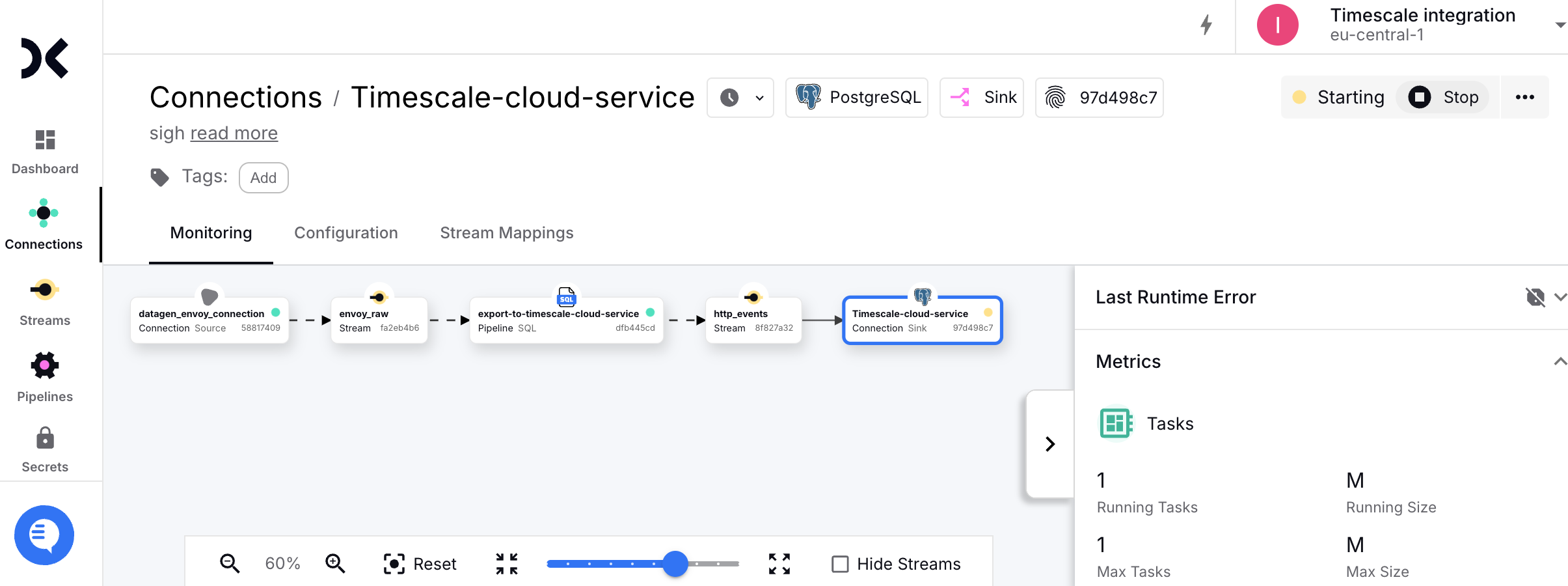
Create the sync to pipe a Decodable data stream into your
- Log in to your Decodable account.
-
Click
Connections, then clickNew Connection. -
Select a
sinkconnection type, then clickConnect. -
Using your connection details, fill in the connection information.
Leave
schemaandJDBC optionsempty. -
Select the
http_eventssource stream, then clickNext. Decodable creates the table in your and starts streaming data.
-
Test the connection
-
Connect to your .
For , open an SQL editor in . For , use
psql. -
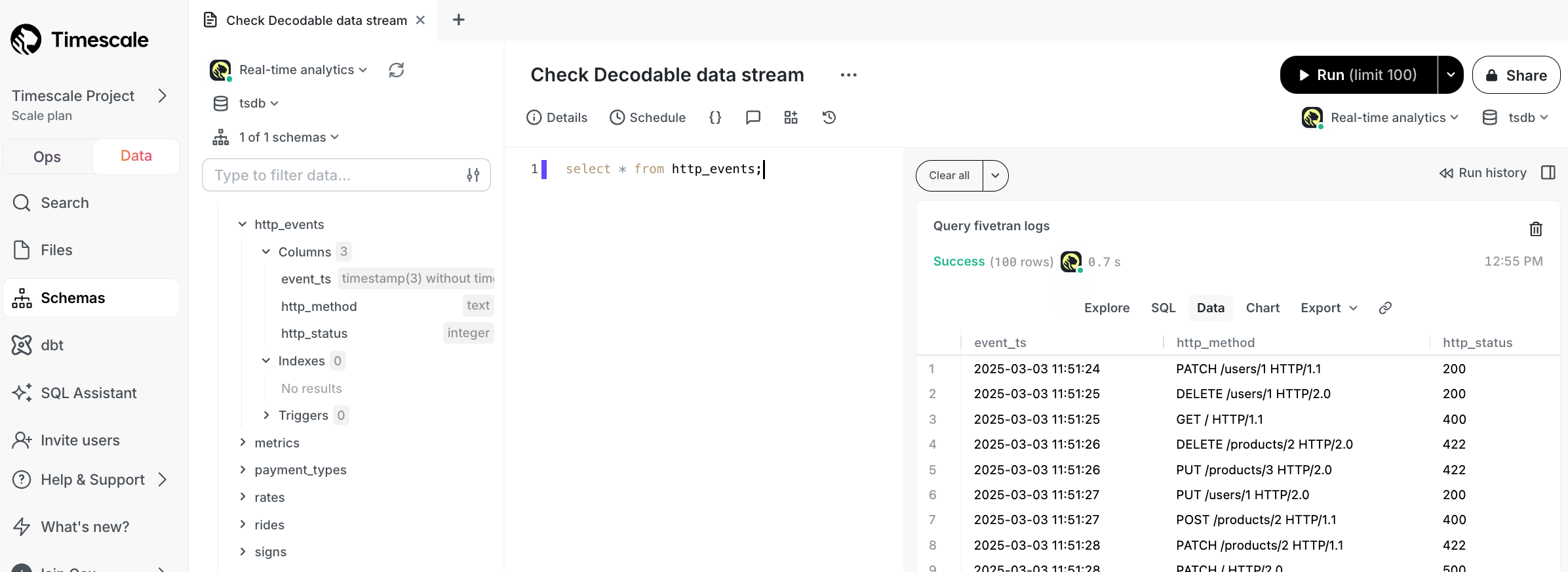
Check the data from Decodable is streaming into your .
You see something like:
-
Connect to your .
For , open an SQL editor in . For , use